A standee is the physical QR card or poster a customer scans to leave a review. Each business is provisioned with at least one standee, and each standee carries one or more QR codes.
Open Standees & QR from the left menu of your business panel to see every standee provisioned for your business.
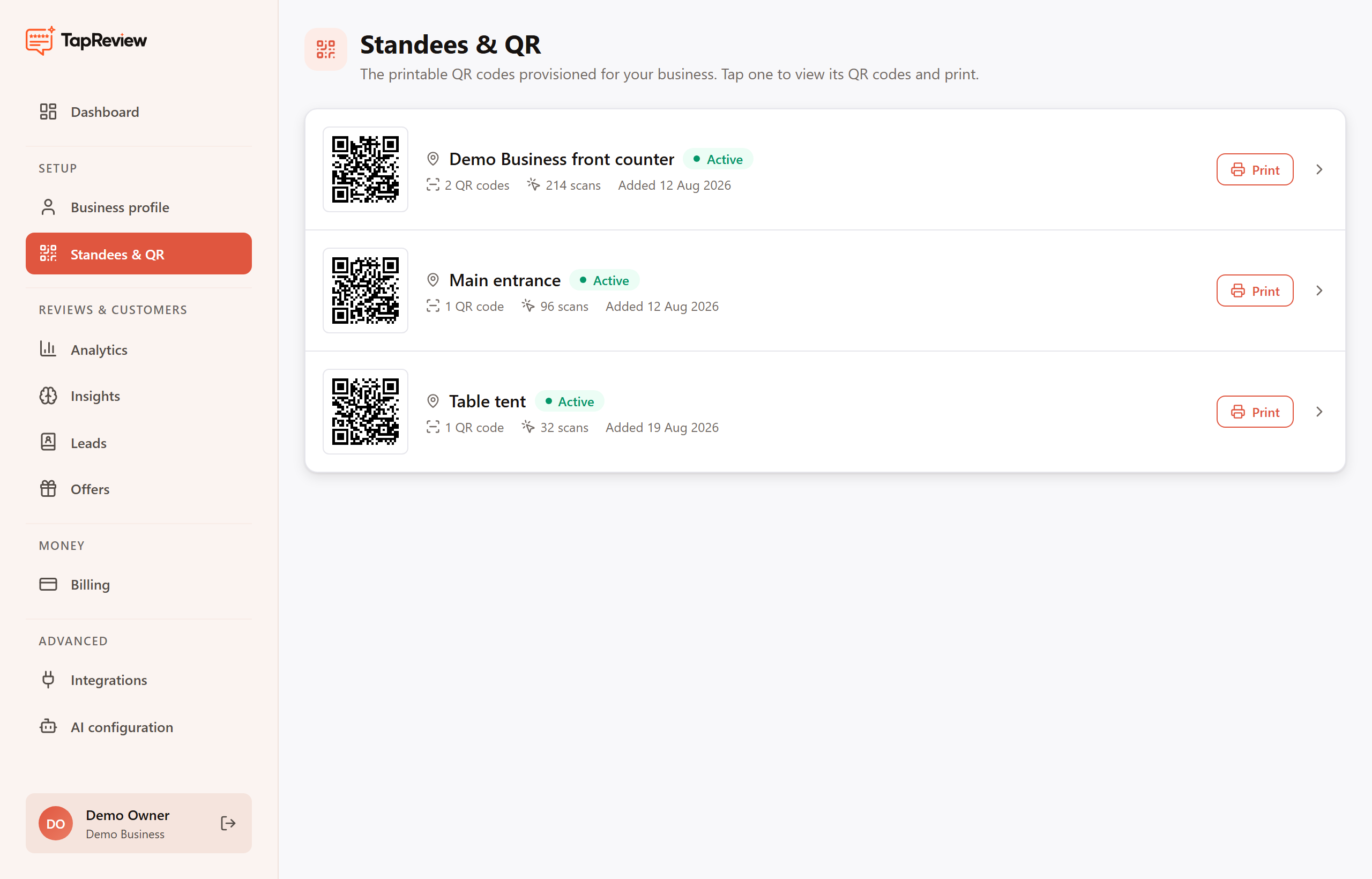
What the list shows
- Location name: where the standee is placed, for example "Front counter" or "Table tent".
- Status: an active standee is live and collecting scans.
- Scans: how many times customers have scanned that standee.
Tap any row to open the standee, where you can view its QR codes, print it, or design a custom poster. A search box appears once you have five or more standees so you can filter by location.
Next in Standees & QRUnderstanding your QR codes Back to Standees & QR