When a customer scans your QR, they rate their visit and tap a few topics they liked. Your AI settings then draft a short, natural review that the customer can edit before posting it to Google themselves.
- The customer rates their experience and, for a good rating, taps the topics they want to mention.
- The AI writes three short review options in the chosen language.
- The customer picks one, edits it if they want, taps to copy, and posts it on Google.
Two things to know: the review is always a draft the customer controls, and TapReview never posts on their behalf or invents a review they did not choose. Your AI settings only shape the voice, length, language, and topics of that draft.
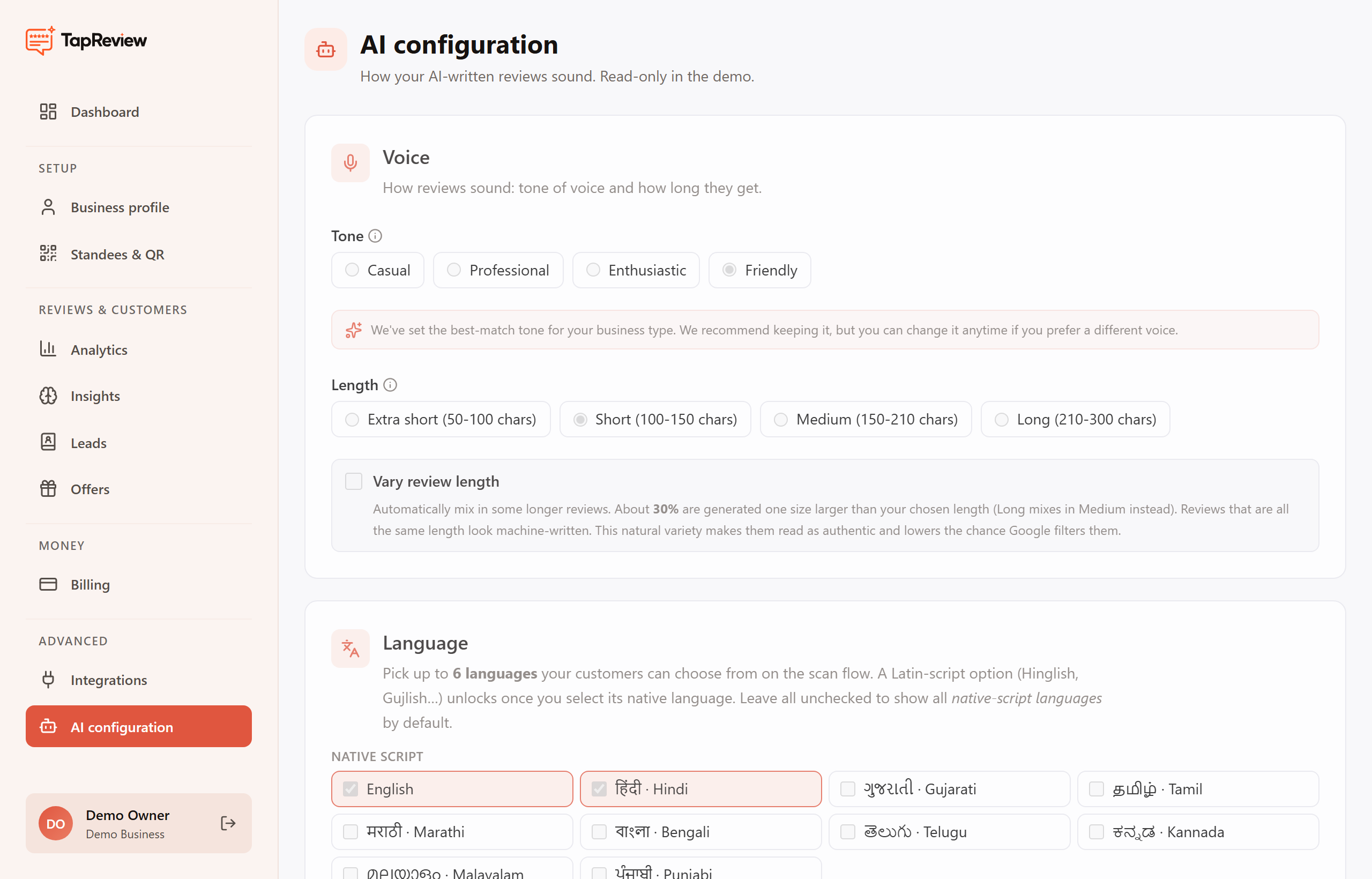
Open AI configuration from the business panel to change any of the settings below. Changes apply to new scans right away.
Next in AI ConfigurationSetting the tone and length Back to AI Configuration