The Leads page lists everyone who claimed an offer by leaving their details. Use it to follow up and to track how many people came back to redeem.
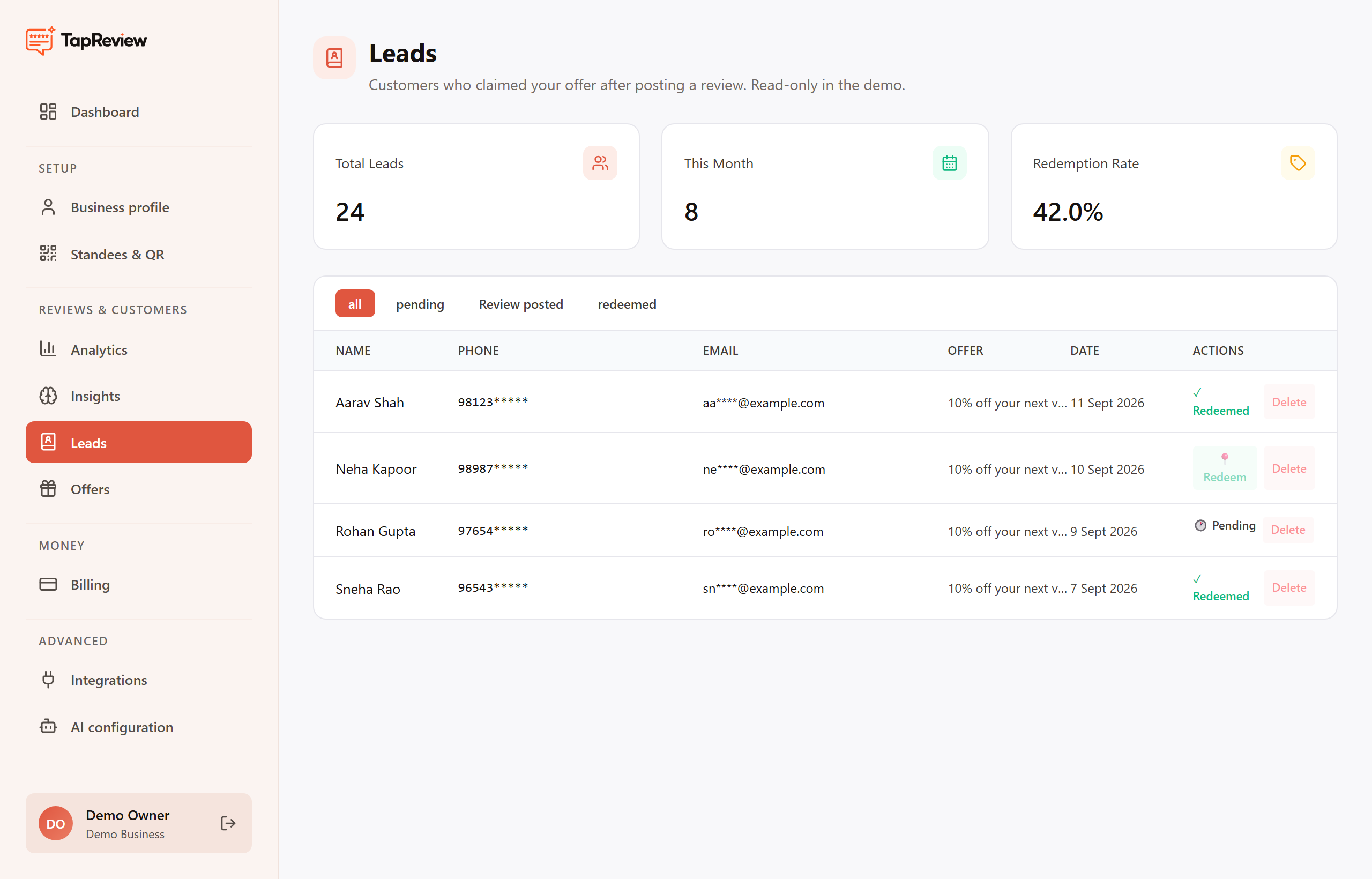
The numbers at the top
- Total Leads: everyone who has ever claimed an offer.
- This Month: leads captured in the current month.
- Redemption Rate: the share of leads you have marked as redeemed.
The leads table
Each row shows the person's name, phone, email, which offer they claimed, and the date. Phone numbers and emails are partly masked to protect customer privacy. You can filter the table by All, Pending, Review posted, and Redeemed.
- When a customer comes back and uses their coupon, open Leads and mark that lead as redeemed. This is what feeds your Redemption Rate.
- You can remove a lead from the table if you no longer need it.
A lead's phone and email are hidden after 90 days (shown as "limit reached"), so follow up while the contact details are still available.
Back to Offers & Leads