The Overview tab on the Google Business Profile screen shows how customers are finding and acting on your listing over the selected date range. Use the date buttons (Last 7 days, Last 30 days, Last 90 days, and so on) or a custom range to change the window.
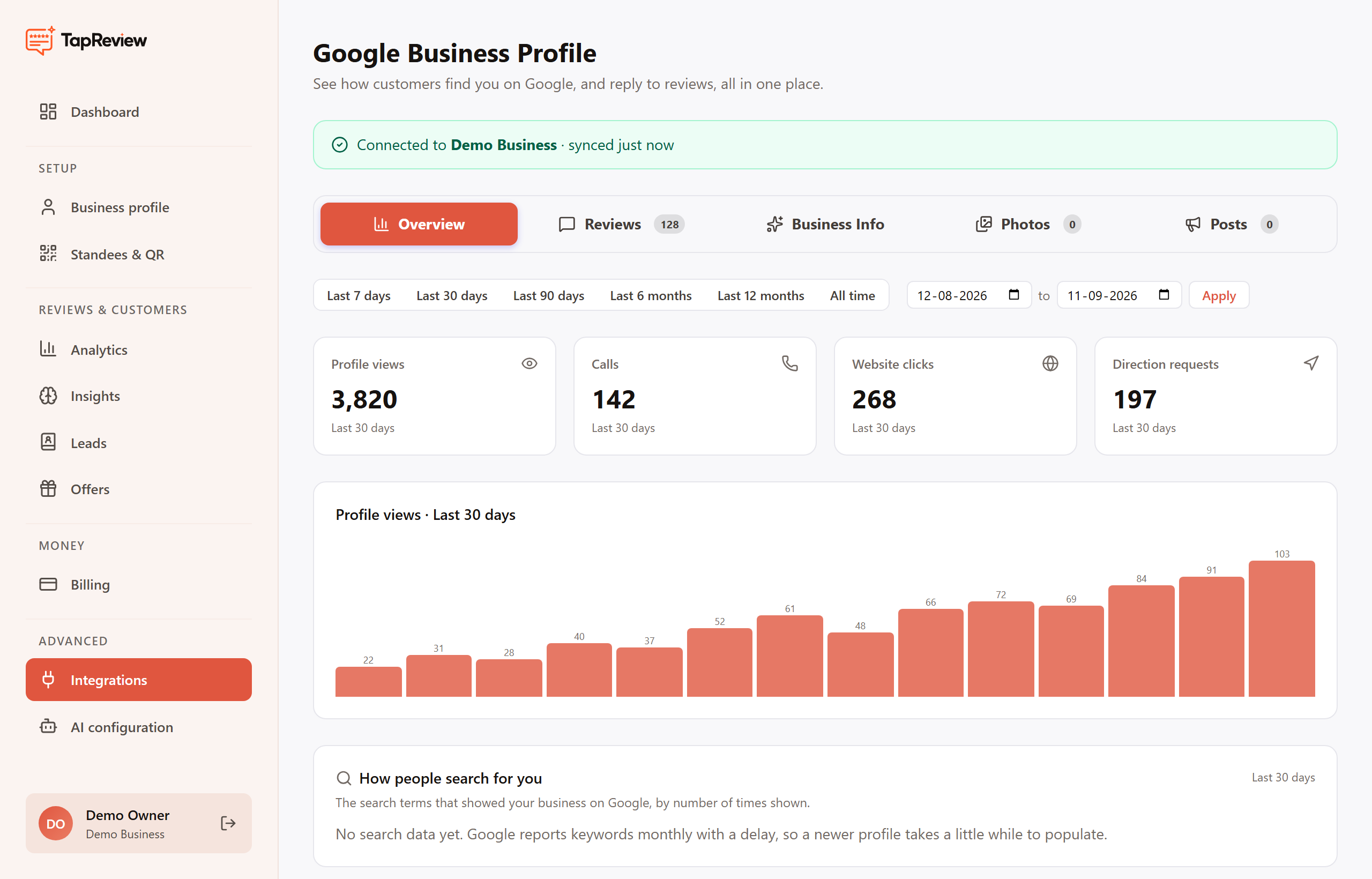
The four headline numbers
- Profile views: how many times your listing was shown.
- Calls: taps on the call button.
- Website clicks: taps through to your website.
- Direction requests: taps for directions to your location.
Trend and search terms
Below the numbers, the Profile views chart shows the day-by-day trend for the range, and How people search for you lists the search terms that showed your business, by how often they appeared.
One thing to expect: Google reports this data on a delay, and it reports search keywords monthly. A newly connected or newer profile takes a little while to populate, so do not worry if some panels say there is no data yet.
Next in Google Business ProfileReplying to Google reviews (with AI) Back to Google Business Profile