The Reviews tab lists your Google reviews. The count next to the tab is your all-time total. You can switch between All (reviews in the selected date range) and Unreplied (recent reviews that still need a reply, regardless of date) so nothing slips through.
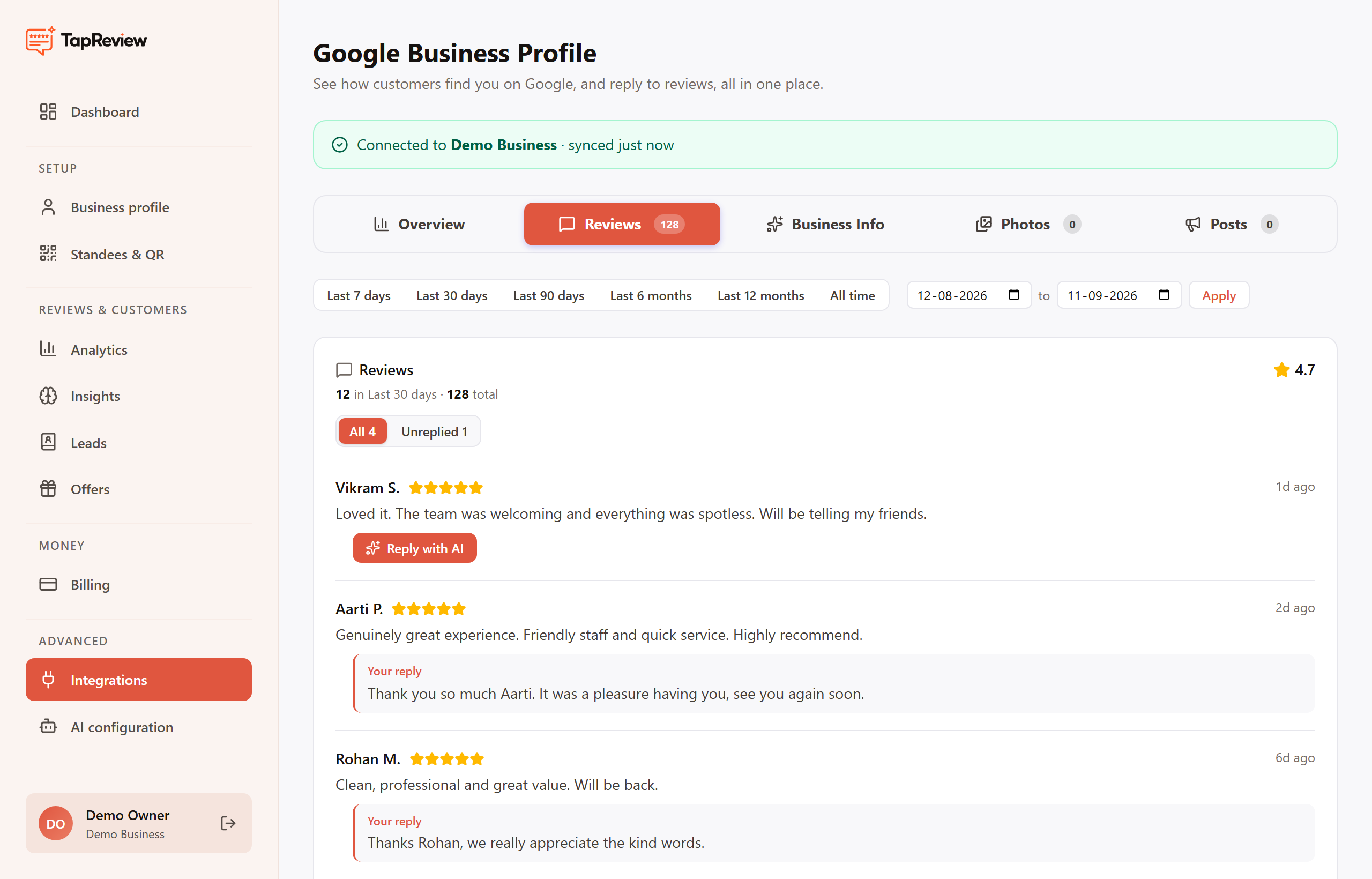
Reply with AI
- Find the review you want to answer and click Reply.
- Click Suggest with AI to generate a draft reply in your business voice.
- Edit the draft as much as you like. It is only posted when you choose to post it.
- Post the reply. It is published to Google against that review.
You can update or delete a reply later from the same review. Replies you post here appear publicly on Google, so treat them as your official response.
Tips for good replies
- Thank the customer by name and keep it short and warm.
- For a low rating, acknowledge the issue and offer to make it right offline.
- Avoid sharing private customer details in a public reply.