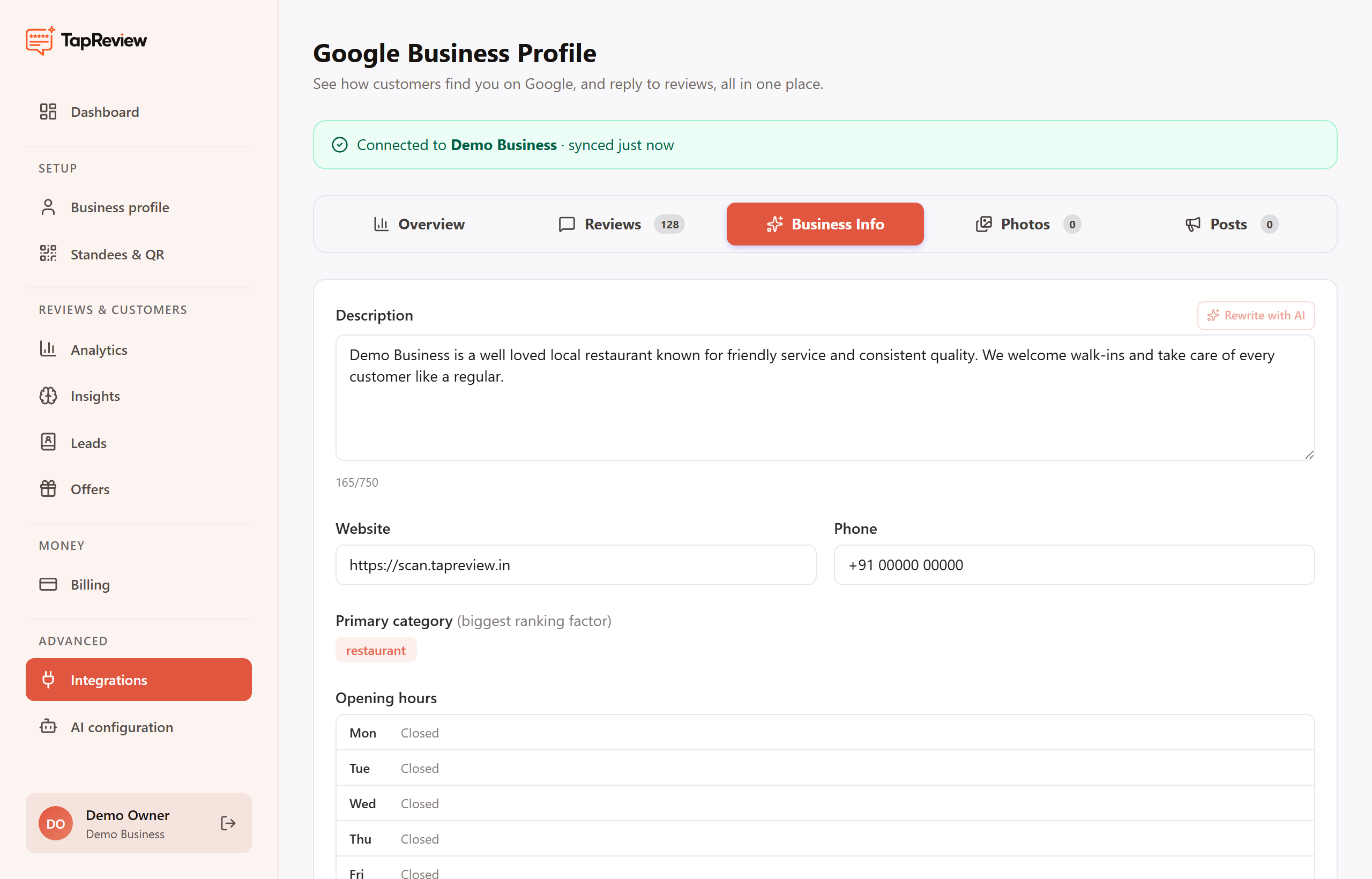
The Business Info tab lets you edit the details on your Google listing and save them back to Google, without opening the Google dashboard. A health score out of 100 next to the tab reflects how complete your profile is.
What you can edit
- Description: up to 750 characters. Use Rewrite with AI to have AI draft one you can edit.
- Website and phone number.
- Primary category, plus additional categories (search and pick from Google categories).
- Opening hours, day by day.
- Services and attributes that describe your business.
Saving changes
- Make your edits in the form.
- Click Save. Your changes are sent to Google.
- Some changes (like categories or hours) can take a short time to reflect on your public listing, and Google may review certain edits.
Set a primary category before adding additional categories or named services, since those depend on the primary category being set.
Next in Google Business ProfileManaging Google photos and posts Back to Google Business Profile