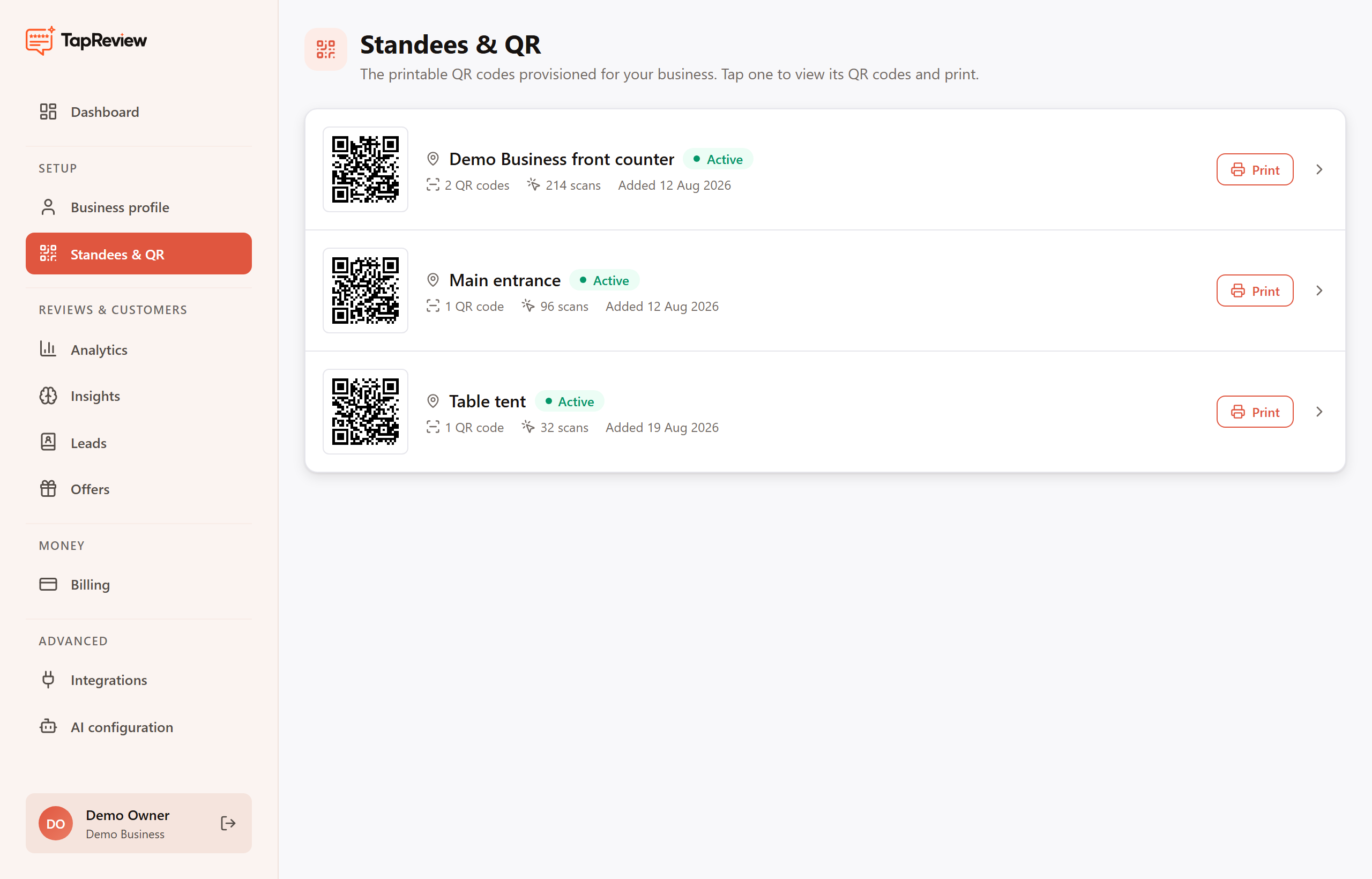
A standee is the physical QR card customers scan to leave a review. Download a print-ready file from the panel and print it yourself.
Where to place it
- At the billing counter or checkout, where customers pause.
- On the table, for cafés and restaurants.
- Near the exit, as a last-touch reminder.
Customers scan the QR with their phone camera (no app needed) and are guided through a quick review in under a minute.