You can create a TapReview account yourself at app.tapreview.in by signing up with your email and a password, or with Google. Your account can also be set up for you by our team, in which case you get an email invite to choose a password.
Activate your account
- If you signed up yourself, open the verification email and click the confirm link. If your account was set up for you, open the invite email and choose a password.
- Choose a password with at least 8 characters.
- Sign in at app.tapreview.in with your email and password.
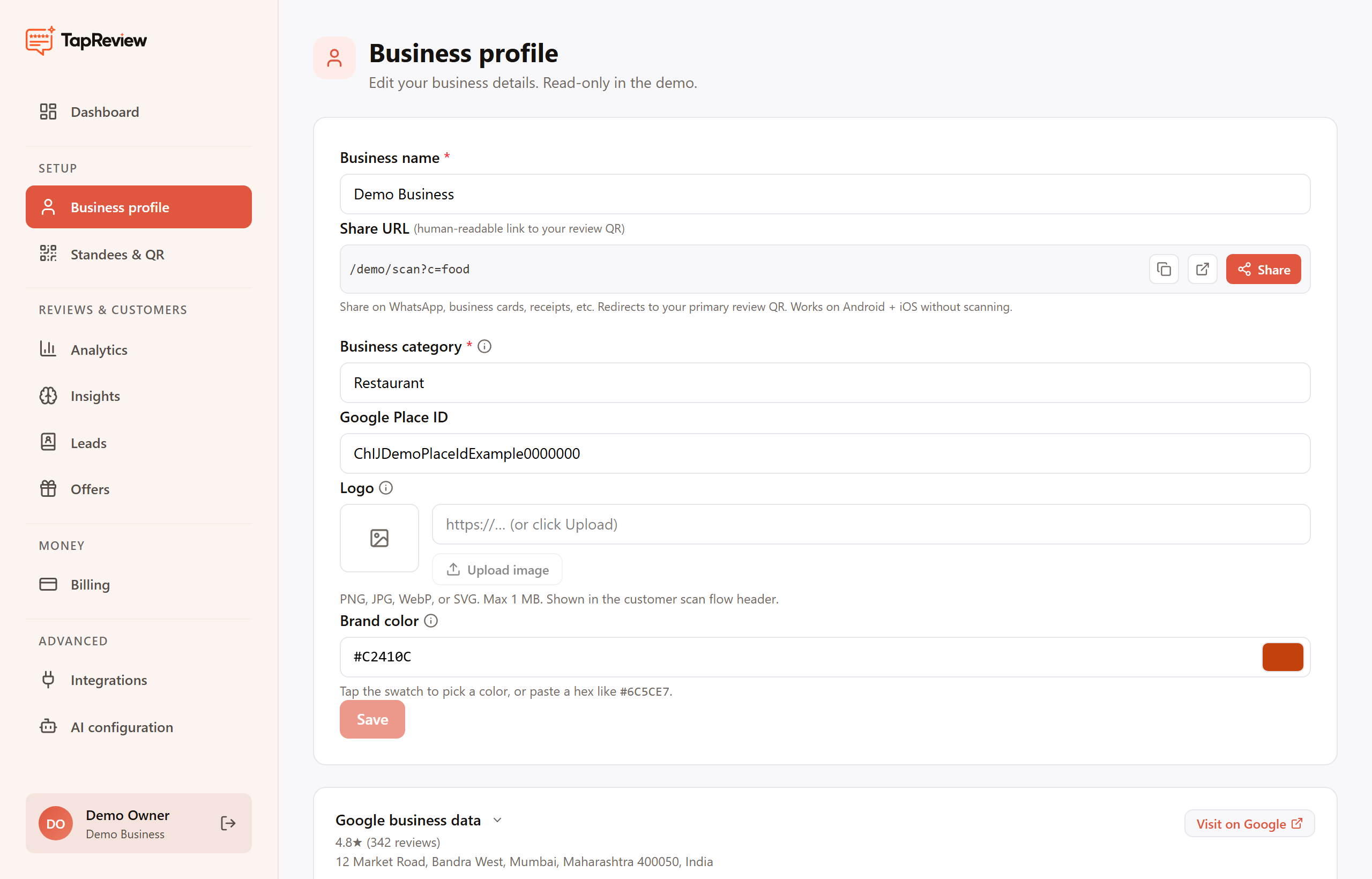
Complete your business profile
From the business panel, open Profile and confirm your business name, category, and address. This information is used on your review standees and in the customer scan flow.