Payments are processed securely through our payment provider. TapReview never stores your full card details.
Download an invoice
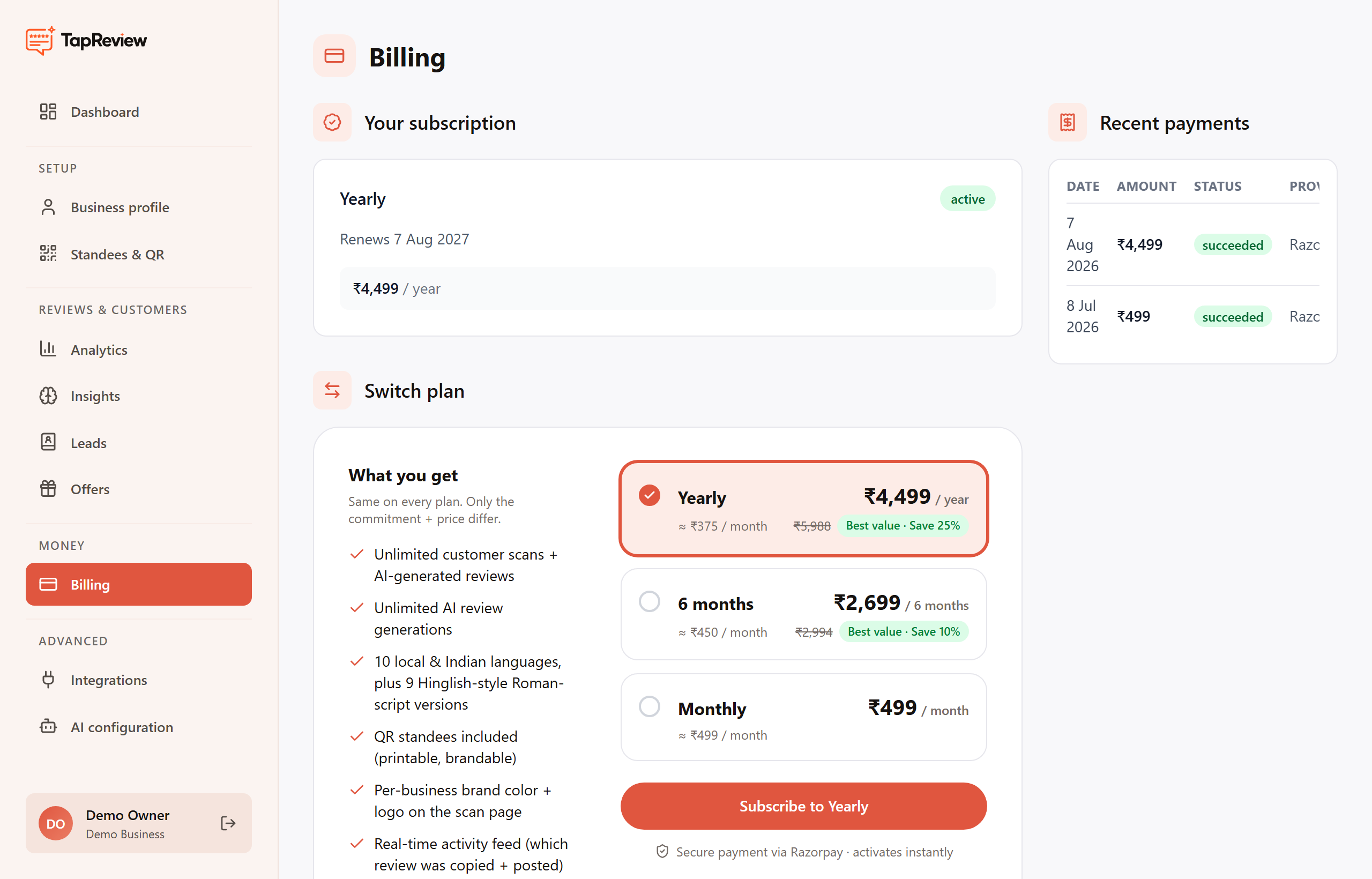
After a successful payment your GST invoice is generated automatically. You can download it yourself, any time, from your panel:
- Open Billing in your business panel.
- Find the payment under Recent payments.
- Click PDF next to it to download the invoice.
The invoice uses the billing details you enter at checkout (business name, address, and GSTIN if you add one). If anything looks wrong or you need a hand, email hello@tapreview.in.
Back to Billing & Plans